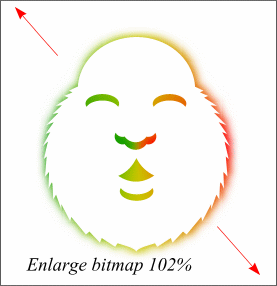
 Place the colored-blurred bitmap behind the face shape as shown. If you have not already done so, select the face and apply a white fill with no outline. Select the bitmap and enlarge it slightly to 102%.
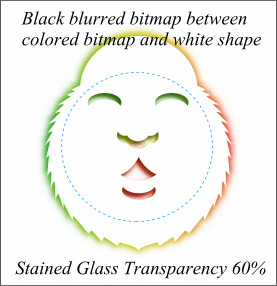
Convert the black ellipse with the face features to bitmap (Arrange -- Create Bitmap Copy), and repeat the SL-Blur process, except this time set the Blur slider to 5. Copy the bitmap to the clipboard, then paste it back into Xara. Place it between the white face and the colored bitmap. Align it to match the openings in the top face, then move it slightly down and to the left. Finally apply a Stained Glass Transparency to the black bitmap with an amount of 60%. This produces a cutout effect as shown. We're almost finished. Just a few more details.