
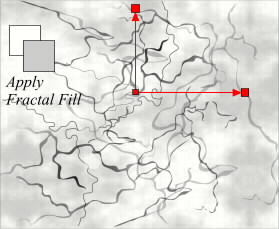
 Select the background rectangle and Apply a Fractal Fill (Paint Options drop-down menu). Use 20% and 30% gray. We want to create a suble mottled look. The red lines indicate the size of the re-sizing handles. Export this image as a TIFF file and open it in Adobe Photoshop or Corel PhotoPaint.
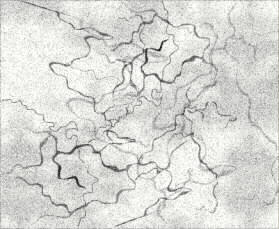 I've Added Noise (Effects--Noise), Gaussian, Level 30, Density 30 in Corel PhotoPaint. This imparts a slight graininess. Select the image (Mask--Select All) and Copy it to the Clipboard (Ctrl C).