
-
Step-By-Step Continued
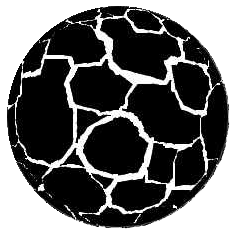 If you are using Corel 6, select Frozen on the Fisheye lens menu. This creates a new image consisting of all the elements inside the lens. Move the lens from the original and delete the original square.
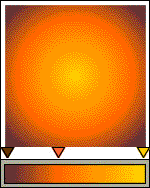 Create a larger square for the background (4-5") and apply a Custom Radial Fountain fill. Begin the fill with brown, add orange at around 35% and end with a dark yellow. The bar below the square shows the approximate positions on the Custom Fill menu.
 PAGE BACK
HOME
NEXT PAGE TALK ROOM
EXIT TO CORELNET
PAGE BACK
HOME
NEXT PAGE TALK ROOM
EXIT TO CORELNET